
Paperless Office: Work Smarter, Waste Less Paper

A paperless office is a workspace where documents are created, shared, signed, and stored digitally instead of on paper — and after running mine this way for two years, I can tell you the payoff is faster work, a calmer desk, and a much lighter environmental footprint. Going paperless is not about banning the printer overnight. It is about making digital the default so paper becomes the rare exception rather than the reflex.
The stakes are bigger than a tidy desk. Paper and paperboard make up 23.1% of everything Americans throw away — the single largest material in municipal solid waste — according to the U.S. Environmental Protection Agency. Every sheet you never print is water, energy, and a slice of a tree you quietly save.
Key Takeaways
- A paperless office replaces printing, filing, and manual signing with digital tools, cutting both clutter and waste.
- Knowledge workers lose roughly a full day a week searching for information; good digital filing wins that time back.
- Paper and paperboard are the largest single category of U.S. municipal solid waste, so printing less has a real environmental payoff.
- Go paperless gradually: digitize incoming mail, clear the backlog, adopt e-signatures, and standardize file names.
- Keep secure, searchable backups — going paperless should make documents easier to find, never easier to lose.
What a Paperless Office Actually Means
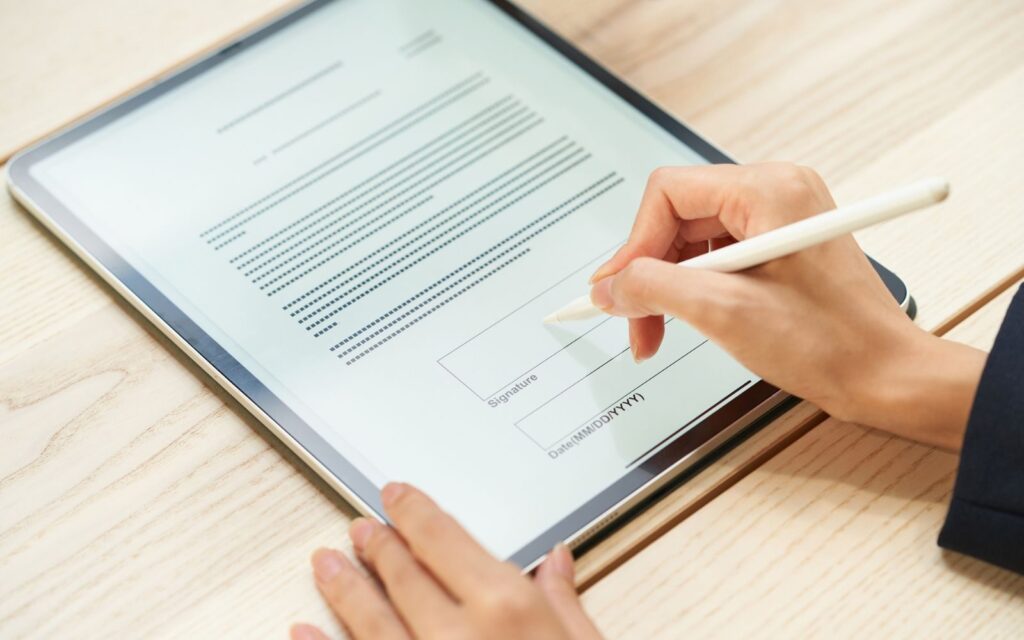
A paperless office is not a magic switch; it is a set of habits. The goal is that the digital version of a document is the original you work from, and paper is only ever a temporary, disposable copy. In practice that means scanning what arrives on paper, signing contracts electronically, taking notes in an app instead of a legal pad, and storing everything in a searchable cloud folder.
The productivity case is striking. The McKinsey Global Institute found that the average interaction worker spends about 28% of the workweek on email and nearly 20% simply hunting for internal information — close to a full working day every week lost to looking rather than doing. When your documents live in one searchable system, that search time shrinks dramatically.
Why I Switched to a Paperless Office
I made the change for three reasons that reinforce each other: I wanted to work faster, think more clearly, and waste less. Each one turned out to matter more than I expected.
Less time hunting for documents
Industry surveys estimate the typical office worker prints around 10,000 sheets a year, and that roughly 45% of what gets printed is thrown out the same day. Paper piles up faster than any filing system can keep pace with. Once everything I needed was a keyword search away, the frantic desk-drawer archaeology simply stopped. McKinsey’s research suggests searchable digital records can cut information-hunting time by as much as 35%.
A calmer, clearer workspace
Clutter is not just visual noise; it is cognitive load. A tidy, screen-first desk lowered my daily friction the same way clearing digital chaos did — something I wrote about in my guide to digital decluttering for focus. Fewer stacks of paper meant fewer nagging visual reminders and a steadier attention span, which pairs naturally with the habits I cover in deep work for focus.
A lighter environmental footprint
Paper recycling in the U.S. is genuinely strong — the EPA reports a 68.2% recycling rate for paper and paperboard, the highest of any material in municipal solid waste. But recycling still consumes energy and water, and the greenest sheet is the one you never make. Cutting paper also pairs well with smarter procurement, which I explore in the benefits of sustainable office materials.
How to Go Paperless at Work Without the Overwhelm
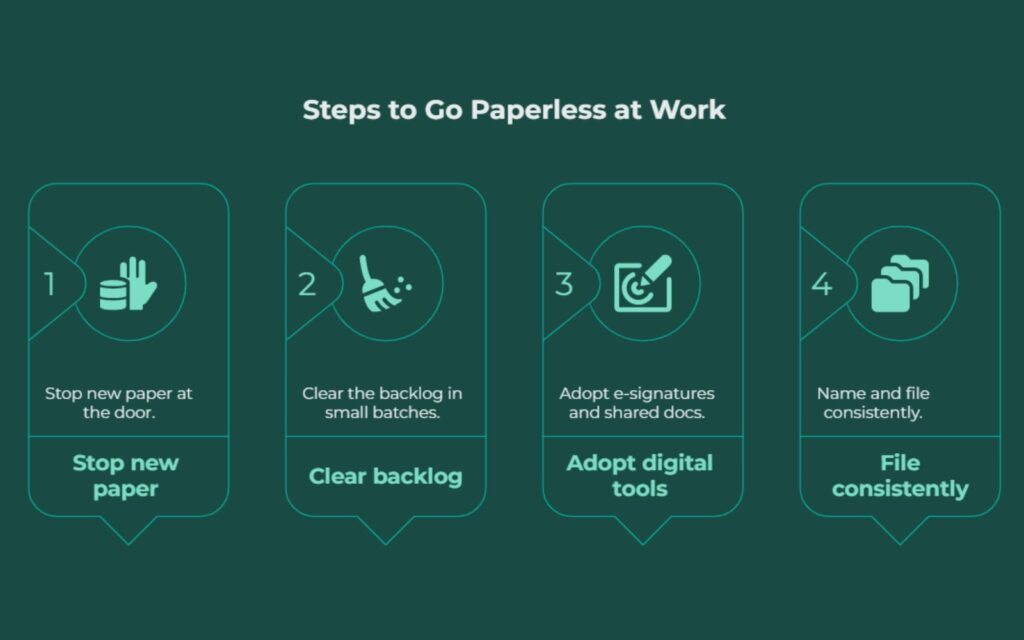
The mistake most people make is trying to digitize a decade of files in one weekend, burning out, and reverting. I went the opposite way: stop the inflow first, then chip at the backlog.
Stop new paper at the door
Switch statements, invoices, and subscriptions to digital delivery. Scan anything that still arrives on paper the day it lands, then recycle it. A phone scanning app is enough to start; you do not need special hardware.
Clear the backlog in small batches
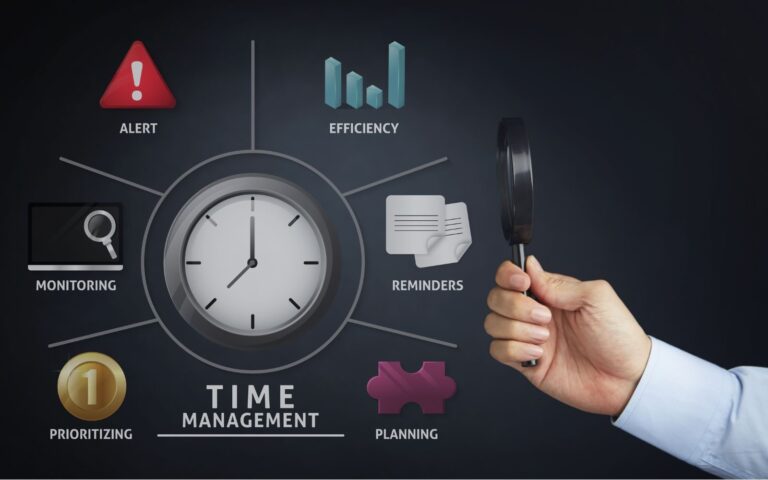
Scan old files in fifteen-minute sessions rather than marathon purges. Batching similar tasks keeps the work sustainable — the same principle behind effective time management. Shred and recycle anything sensitive once it is safely stored and backed up.
Adopt e-signatures and shared docs
Electronic signatures are legally recognized across the U.S. under the ESIGN Act, so most contracts never need to touch a printer. Shared documents also end the version-control chaos of emailing attachments back and forth.
Name and file consistently
A paperless office only saves time if you can find things. Pick one naming convention — date, project, then description — and one folder structure, and stick to them. Consistency is what turns a pile of files into an instant search.
Common Mistakes to Avoid
The biggest is going digital without backups. One system is a single point of failure; keep an automatic cloud backup plus a periodic local copy. The second mistake is scanning everything into a chaotic dumping ground — digital clutter is still clutter. The third is forgetting security: use strong passwords and encryption for financial and personal records, and be deliberate about who can access shared folders.
Summary
A paperless office is one of the rare workplace changes that improves productivity, wellbeing, and sustainability at the same time. By defaulting to digital, you reclaim the hours McKinsey found workers lose to searching, you clear the physical and mental clutter of paper stacks, and you cut into the 23.1% of U.S.
waste that paper represents. Start by stopping new paper at the door, clear the backlog in small batches, and build simple, consistent filing habits. Done gradually, going paperless sticks — and you rarely miss the printer.
Frequently Asked Questions
Is a paperless office actually better for the environment?
Yes, meaningfully. Paper and paperboard are the largest single category of municipal solid waste in the United States, and while recycling rates are high, producing and recycling paper still consumes trees, water, and energy.
Not printing avoids that footprint entirely. The one caveat is digital energy use, so pairing paperless habits with energy-efficient devices gives you the cleanest result.
How do I handle documents that legally require paper?
A small number of documents – certain wills, notarized deeds, and some government forms – may still require original signatures or physical copies.
Keep those in a clearly labeled, secure physical file. For the vast majority of business documents, electronic signatures are legally valid in the U.S. under the ESIGN Act, so paper is optional rather than required.
What is the best way to organize digital files?
Choose one consistent naming convention and one logical folder hierarchy, then apply them every time. A reliable pattern is date, then project or client, then a short description.
Consistency matters more than the exact system, because a searchable, predictable structure is what lets you find any document in seconds instead of minutes.
Does going paperless save money?
Generally, yes. Beyond paper itself, printing carries ink, toner, maintenance, and energy costs, plus the storage space filing cabinets occupy. Industry estimates put annual per-employee printing costs in the hundreds of dollars.
Reducing print volume trims those recurring expenses while also giving back the staff time otherwise spent filing and searching.




One Comment